Does Texting Use Data? SMS, MMS, RCS, iMessage and WhatsApp Explained

Plain SMS texts do not use data. They need only a cellular signal and are billed by your carrier as texts. Everything else uses data: MMS picture messages, iMessage (blue bubbles), RCS chats and apps like WhatsApp all need mobile data or Wi-Fi. The amounts are small, a few kilobytes for a text-only message, but with data switched off those messages will not send or arrive.
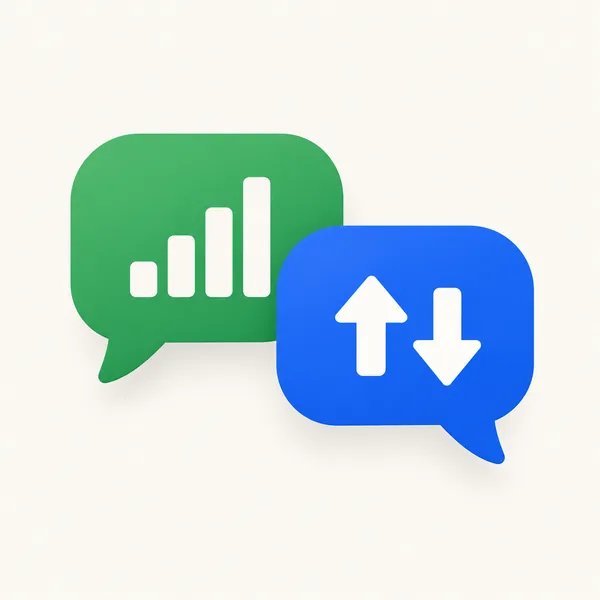
That distinction matters most when you are out of data or abroad. Below: a type-by-type table, what still works with data off, how RCS and iMessage fall back to SMS, and how to set up texting with a home SIM and a travel eSIM so you keep your number without surprise charges.
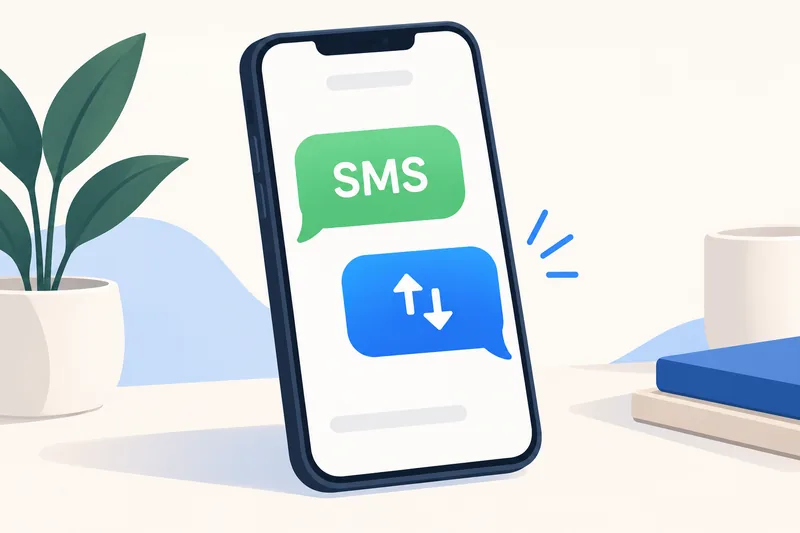
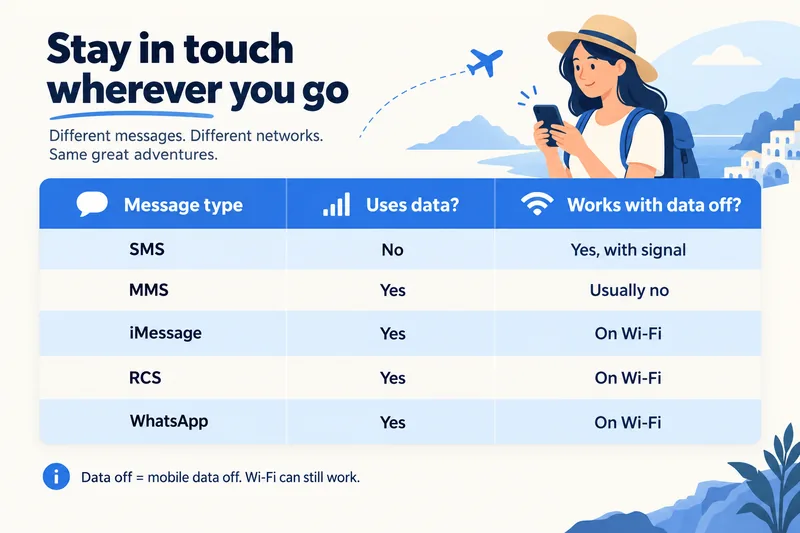
Which texts use data: SMS, MMS, iMessage, RCS and apps
| Message type | Uses mobile data? | Works with data off? | Paid for by | On iPhone shows as |
|---|---|---|---|---|
| SMS (plain text) | No | Yes, with a cellular signal | Your carrier's text allowance or per-text rate | Green bubble |
| MMS (photo, group text, long message) | Yes | Usually no | Carrier MMS rate plus data on many plans | Green bubble |
| iMessage | Yes (or Wi-Fi) | Only on Wi-Fi | Your data plan | Blue bubble |
| RCS chat | Yes (or Wi-Fi) | Only on Wi-Fi; can fall back to SMS/MMS | Your data plan | Green bubble |
| WhatsApp, Messenger, Telegram, Zalo, LINE | Yes (or Wi-Fi) | Only on Wi-Fi | Your data plan | Inside the app |
Apple's wording is clear: "To send a message as iMessage, RCS, or MMS, you need a cellular data or Wi-Fi connection," while "to send an SMS message, you need cellular network connection." Apple adds that with Wi-Fi Calling turned on, you can also send SMS over Wi-Fi.
SMS: no data, but limited
An SMS carries up to 160 characters, or 70 if it contains emoji or non-Latin characters. Longer texts are split into several parts and can be billed as several messages. SMS does not touch your data allowance, which is why one-time codes from banks and airlines keep arriving even when your data is off.
MMS: picture messages use data
MMS carries photos, short videos, group texts and longer messages. It travels over your carrier's data connection, so on many phones it fails with mobile data switched off. Size limits are set by each carrier, commonly around 300 KB to just over 1 MB, which is why photos sent by MMS look heavily compressed.
iMessage: always data, very little for text
iMessage is Apple's service between Apple devices, over Wi-Fi or mobile data. A text is a few KB; photos and videos are where the data goes. Our guide on how much data iMessage uses has the size of each kind of message.
RCS: the modern green bubble
RCS is the carrier-backed successor to SMS, with typing indicators, read receipts and higher-quality photos. On iPhone it needs iOS 18 and a carrier that supports it (Settings, Apps, Messages, RCS Messaging). Apple and Google both say RCS goes over Wi-Fi or mobile data; Google adds that over mobile data "the cost is based on your mobile data plan". If data is not available, Google Messages can resend the message as SMS or MMS.
WhatsApp and other chat apps
App messages always use data or Wi-Fi. The data in chat apps goes on media, especially photos and videos that download automatically. WhatsApp lets you choose what downloads automatically on mobile data, on Wi-Fi and when roaming (Settings, Storage and data); limiting media to Wi-Fi is the biggest saver.
How much data texting uses
| Message | Typical data |
|---|---|
| SMS | none from your data plan |
| Text-only iMessage, RCS or WhatsApp message | ~1–5 KB |
| MMS photo | ~0.3–1 MB, depending on carrier limit |
| Photo in a chat app (compressed) | ~0.1–0.3 MB |
| iMessage photo, default quality | ~1–3 MB |
| Voice message, 1 minute | ~0.1–1 MB, depending on app |
These are typical estimates rather than official figures. In practice, even a chatty day of messaging with some photos stays in the tens of MB. Our data calculator counts a blended average of about 0.3 MB per message or photo, so a messaging-heavy traveller can see roughly how little it adds compared with maps, social media and video.
Need data for your trip? Compare eSIM plans by validity and data volume.
View eSIM plansOut of data? What still works
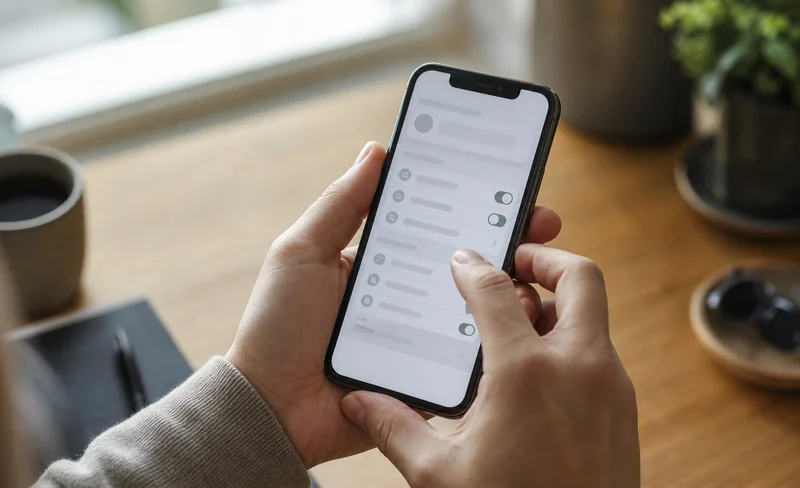
- SMS: yes, as long as you have signal. On iPhone, keep Send as Text Message on (Settings, Apps, Messages) so a blue message that cannot be delivered is sent as SMS instead.
- Receiving codes and alerts by SMS: yes.
- iMessage, RCS, WhatsApp: only on Wi-Fi.
- Picture messages (MMS): usually not, because MMS needs mobile data on most carriers.
The forum question "I'm out of data, why can't I text?" almost always comes down to the message going as iMessage, RCS or MMS rather than SMS.
Texting abroad with a travel eSIM
A dual SIM setup keeps your number and moves all data to the cheaper eSIM. This is how each type behaves:
| Message type | Abroad with travel eSIM as data line, home SIM on |
|---|---|
| iMessage, RCS, WhatsApp | Work normally using the eSIM's data. Apple says FaceTime and iMessage continue to work on your home number. |
| SMS you receive | Arrive on your home number; often free or cheap abroad, depending on your carrier |
| SMS you send | Go out from your home number and are billed at your carrier's roaming text rate |
| MMS | Use your home line's data, so with Data Roaming off on the home line they may not send or arrive |
Setup checklist
- Set the travel eSIM as your mobile data line.
- Keep the home SIM on for calls and texts if you need bank or airline codes.
- Turn Data Roaming off on the home SIM. Apple warns that with both lines on you might still incur roaming fees from your home line.
- Turn Data Roaming on for the eSIM line, which most travel eSIMs need.
- Check your carrier's price for sending SMS abroad, and prefer iMessage, RCS or WhatsApp for chatting.
Our guide to how dual SIM works walks through the settings on iPhone and Android, and what data roaming is explains the roaming switch.
How much data to buy if you mostly message
Messaging alone barely dents a plan; maps and the odd social scroll make up most of a light traveller's day. With our calculator's light profile (about 0.4 GB a day, 20% buffer included), here is a week in Europe with Zyesims prices on 1 October 2026:
| How you use your phone | Data for 7 days | Plan that fits | Price |
|---|---|---|---|
| Messaging, maps and a little browsing | ~3 GB | Europe (33 areas) 3GB, 30 days | $3.99 |
| As above plus photo sharing and some social media | ~4–5 GB | Europe (33 areas) 5GB, 30 days | $5.49 |
To see your own estimate, run the calculator for Spain and 7 days or switch to your destination, and see all Europe eSIM plans.
Why Zyesims for keeping in touch
Keep your home number for texts and let a travel eSIM carry the data at a known price; as the Europe table above shows, a messaging-first week fits in a 3GB plan. Our plans show their data and validity before you pay and start under a dollar.
Frequently Asked Questions
Does texting use data?
Plain SMS texts do not use your data plan; they need only a cellular signal and are billed by your carrier as texts. MMS picture messages, iMessage, RCS chats and apps like WhatsApp all use mobile data or Wi-Fi, though a text-only message is just a few kilobytes.
Can I send texts with mobile data turned off?
You can send and receive SMS with mobile data off as long as you have a cellular signal. iMessage, RCS and WhatsApp messages will not go through without data or Wi-Fi, and MMS usually needs mobile data on. On an iPhone, Send as Text Message lets a failed iMessage go out as SMS instead.
Do I need data to receive text messages?
Not for SMS: those arrive over the cellular network with data off. Picture messages (MMS), iMessage, RCS and app messages need a data or Wi-Fi connection to arrive.
Does RCS messaging use data?
Yes. RCS chats travel over Wi-Fi or mobile data, and Google notes that over mobile data the cost is based on your data plan. When data is not available, Google Messages can resend them as SMS or MMS, and on iPhone RCS needs iOS 18 and a carrier that supports it.
Will I get charged for texting abroad with a travel eSIM?
Messages that use data, such as iMessage, RCS and WhatsApp, come out of your travel eSIM's data. SMS sent from your home number while abroad are billed by your home carrier at its roaming rates, so check them before you go. Receiving SMS abroad is often free or cheap, but that also depends on your carrier.
Keep reading
- How Does Dual SIM Work? Pairing a Home SIM with a Travel eSIM
- What Is Data Roaming? 2026 Costs and Cheaper Alternatives
- What Is a Prepaid SIM Card? How It Works, ID Rules, and Real 2026 Costs
- eSIM Not Working? How to Fix No Service on iPhone and Android
- What Is an eSIM? A Complete Beginner's Guide for Travelers (2026)

A travel and tech enthusiast who loves to wander and discover new places. Mihi writes Zyesims' guides to eSIMs and mobile data abroad, built from carriers' and app makers' own documentation, published plan terms and Zyesims' current plan data — with sources named in each article. Mihi also writes about travel at MihiTravel and Notemeeting.
Ready for your next trip?
Choose the right eSIM, get your QR code by email, and connect when you land — coverage in 200+ countries.